Cancelation
You can cancel processing of files that are being transferred and files that are placed on the Send Queue.
To cancel the processing, specify the target file ID or target host name.
You can cancel the processing on the HULFT Management Console or by running a command.
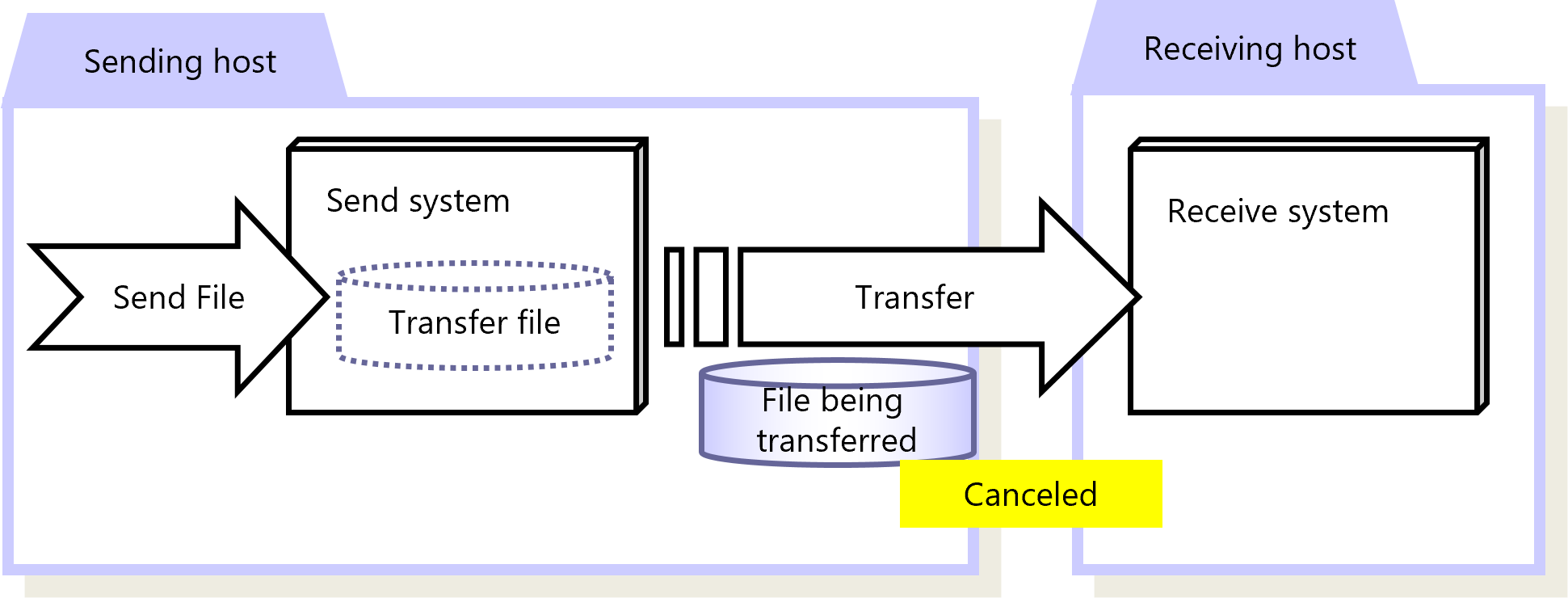
Figure 2.28 Cancelation
|
Function |
HULFT for zOS |
HULFT for |
HULFT for |
HULFT for |
HULFT for |
HULFT for |
|---|---|---|---|---|---|---|
|
Cancelation |
✓ |
✓ |
✓ |
✓ |
✓ (*1) |
✓ (*2) |
|
✓ |
: |
Available |
|
† |
: |
Partially available |
|
- |
: |
Not available |
|
*1 |
: |
There are some points to note regarding executing cancellation in HULFT10 for Container Services. |
|
*2 |
: |
There are some points to note regarding executing cancellation in HULFT10 for Container Platform. |
For details about cancellation, refer to the following:
HULFT10 for zOS Operation Manual
HULFT10 for IBMi Operation Manual
HULFT10 for Linux/AIX Operation Manual
HULFT10 for Windows Operation Manual