Generational management
If you want to save and manage previously received files, you can add a generational management number to each Receive file. This number indicates the order in which the files are received so that generations of the Receive file can be managed. This function is called 'generational management.'
HULFT for zOS uses the generation data group (GDG) function of the operating system for generational management.
This is effective when the same file is received repeatedly in a specific period of time.
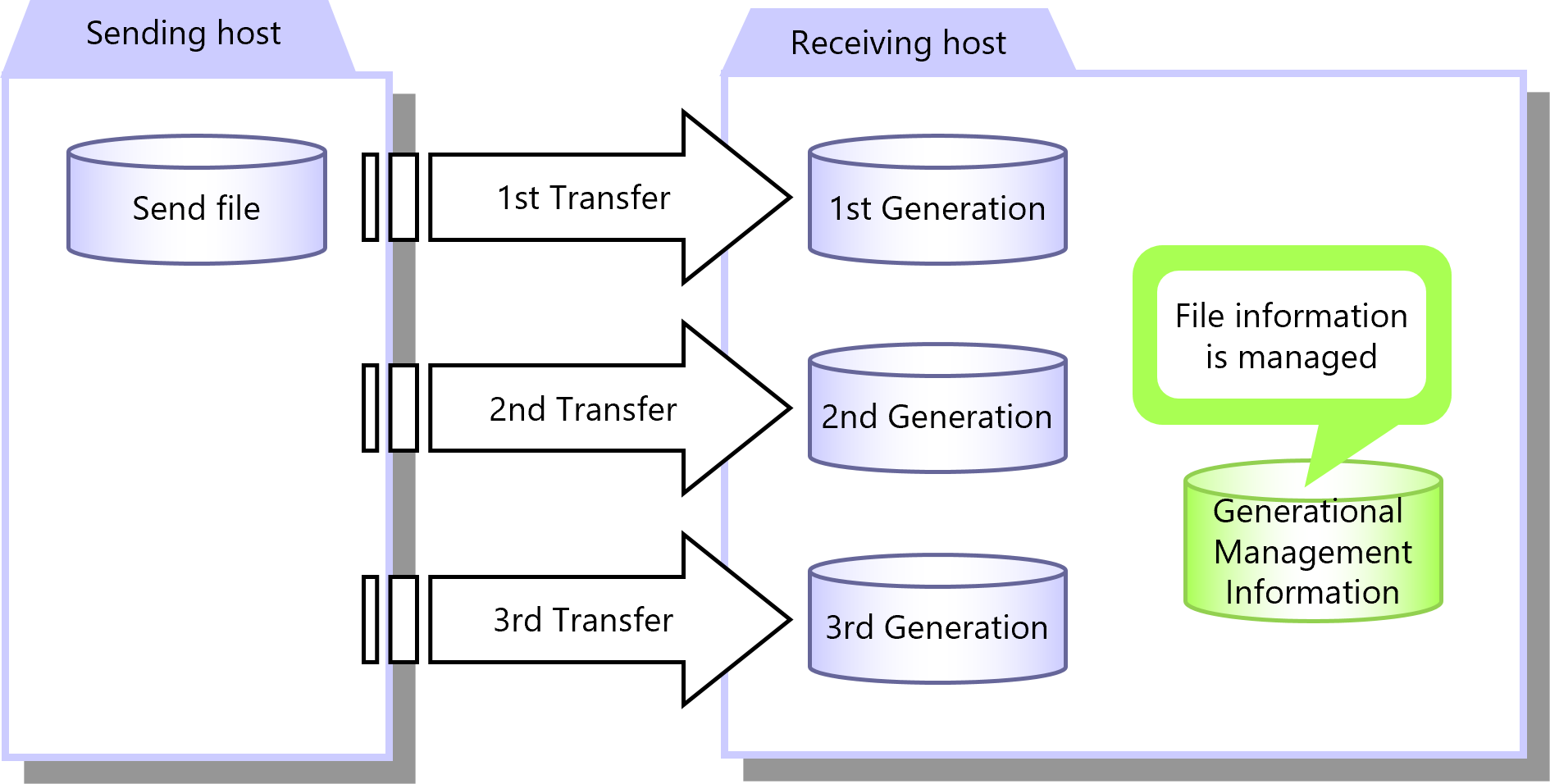
Figure 2.19 Generational Management
Configure Generational Management in the Receive Management Information. You can configure the Receive Management Information on the HULFT Management Console or by running a command.
|
Function |
HULFT for zOS |
HULFT for |
HULFT for |
HULFT for |
HULFT for |
HULFT for |
|---|---|---|---|---|---|---|
|
Generational management |
✓ |
✓ |
✓ |
✓ |
- |
- |
|
✓ |
: |
Available |
|
† |
: |
Partially available |
|
- |
: |
Not available |
For details about generational management, refer to the following:
HULFT10 for zOS Administration Manual :
HULFT10 for IBMi Administration Manual :
HULFT10 for Linux/AIX Administration Manual :
HULFT10 for Windows Administration Manual :