Editing of Transfer Group Information
-
Double-click the Transfer Group ID that you want to edit under the Transfer Group Information in the Distribution Information Tree to display the details of the Transfer Group Information for the relevant ID in the distribution information display frame.
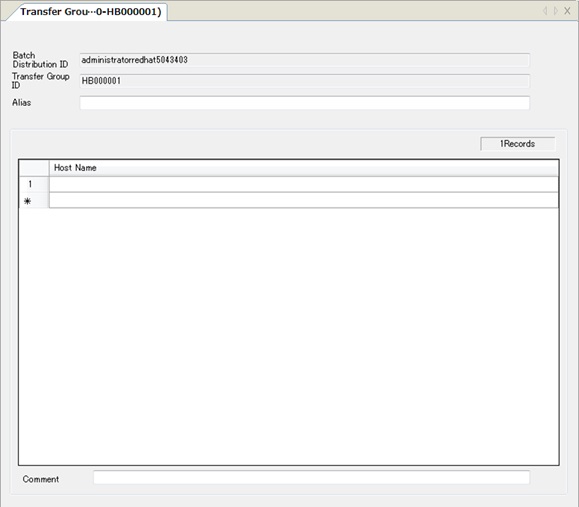
The displayed fields vary depending on the type of the distribution destination client.
For details of each field for each host type, refer to the following topics in Management Information Reference:
- Specify the required fields to save the edited Transfer Group Information to HULFT-HUB Manager.
Addition of Host Name to Host Name List
- Enter a host name in the final row of the host name list, and press Enter.
Modification of Host Name in Host Name List
- Select the host name that you want to modify from the host name list.
-
Delete the existing host name, enter a new host name, and press Enter.
The host name that you have selected in the host name list changes.
Insertion of Host Name into Host Name List
- Select the row to which you want to insert from the host name list.
- Select the Insert on the pop-up menu to insert a blank row above the selected row.
- Enter a new host name to the blank row.