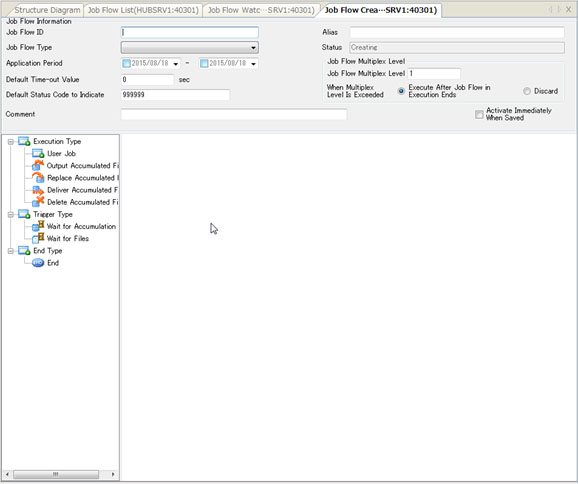
Job Flow Creation Screen
On the Job Flow Creation screen, you can specify information about the Job Flow, as well as arrange the icons to create and edit the processing visually.
Creation of New Record of Job Flow Management Information
- On the Job Flow List screen, click the New Creation on the pop-up menu, or click
 on the toolbar to open the Job Flow Creation screen with the initial status.
Editing of Job Flow Management Information
- On the Job Flow List screen, select a Job Flow Management Information record.
-
Click the [Detail] on the [View] menu, or click
 on the toolbar to display the details of the selected Job Flow on the Job Flow Creation screen.
| [Remarks] | You cannot edit the Job Flow Management Information record while the status is 'Active.' |
| You can view the information by selecting the 'Active' Job Flow Management Information record and clicking the Detail, but you cannot modify the information. |