Local custom logic cannot be migrated to global custom logic, and vice versa.
Custom logic can also be classified by using group.
| Item name | Description | Remarks | |
|---|---|---|---|
| Add | Custom logic | Add a new global custom logic. | |
| Group | Add a new group. | ||
| Item name | Description | Remarks |
|---|---|---|
| Custom logic name | Enter the global custom logic name. | |
| Comment | Enter a comment. |
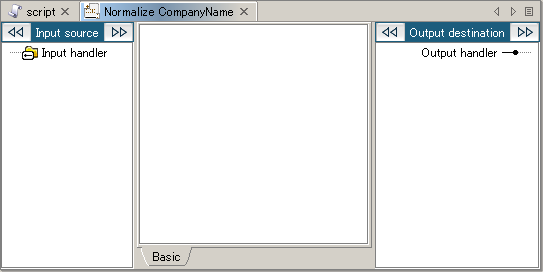
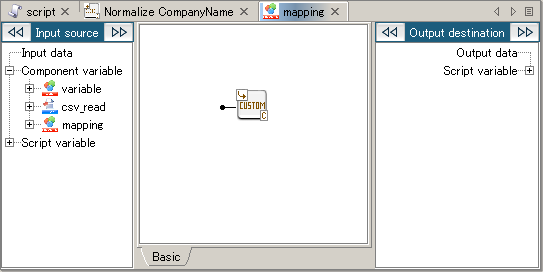
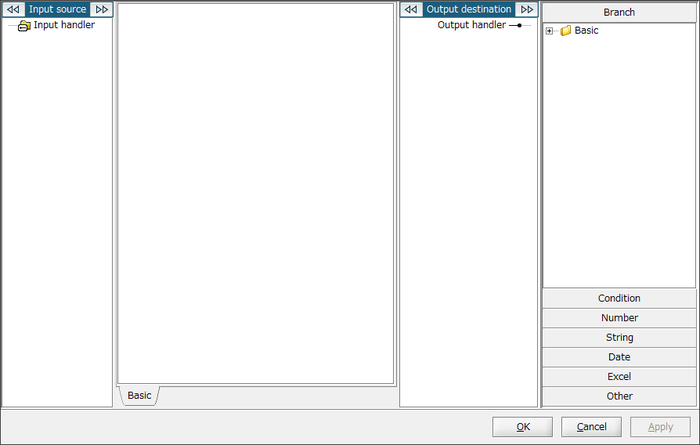
You can also open it by double-clicking the global custom logic icon on the mapping canvas.
| Item name | Description | Remarks |
|---|---|---|
| Create new handler | Add an input handler. |
| Item name | Description | Remarks |
|---|---|---|
| Handler name | Enter the input handler name. | |
| Comment | Enter a comment. |
The handler name and comment can be edited from [Edit] in the right-click menu of the created input handler.
The handler can be deleted from [Delete] in the right-click menu of the created input handler.
The output handler is handled same as normal logics, so the output will be of one type. Therefore it cannot be edited.
When you a edit a global custom logic, scripts and services referring to that logic will be influenced.
Change (increase/decrease) of input handlers will be reflected to placed global custom logics. Also, when an input handler is removed, the mapping link to the input handler of placed global custom logics will be removed.
Change (increase/decrease) of input handlers will be reflected immediately to placed global custom logics for the project where the change was made. For other projects, you will have to re-open the projects, open the Mappers, and reflect the changes manually.
An execution error will occur when the number of input handlers of the global custom logic itself is different from the number of input handlers of a placed global custom logic.
All input/output types are string type.
It cannot be moved to the same hierarchy.
If a global custom logic of the same name exists in the destination, an underscore and number will automatically be appended at the end of the global custom logic name.
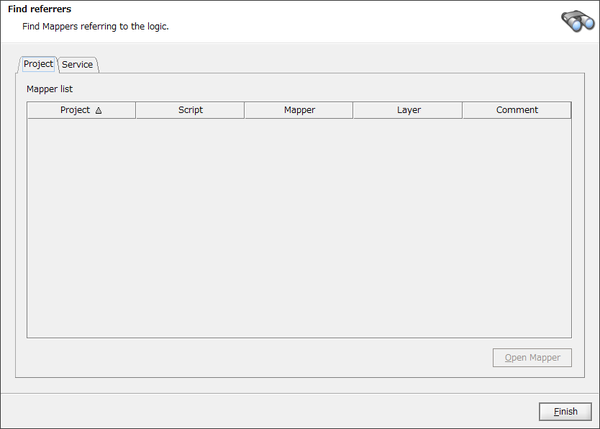
Projects and services which you don't have permission to read are not be displayed.
| Item name | Description | Remarks | |
|---|---|---|---|
| Project | Project | Project name in which the logic is used. | |
| Script | Script name in which the logic is used. | ||
| Mapper | Component icon name of the Mapper in which the logic is used. | ||
| Layer | Layer name of the Mapper in which the logic is used. | ||
| Comment | Comment of the logic. | ||
| Service | Service | Service name in which the logic is used. | |
| Script | Script name in which the logic is used. | ||
| Mapper | Component icon name of the Mapper in which the logic is used. | ||
| Layer | Layer name of the Mapper in which the logic is used. | ||
| Comment | Comment of the logic. | ||
When the same global custom logic with the same comment is multiply placed in a layer, all the logics will be selected.
When you delete a global custom logic, scripts and services referring to that logic will be inexecutable. Be sure to check the range of impact in “Find referrers” before deleting.
When deleting a global custom logic, placed global custom logics referring to the logic may not be removed immediately. In that case, re-open the project.
Custom logic can also be classified by using group.
| Item name | Description | Remarks | |
|---|---|---|---|
| Add | Custom logic | Add a new local custom logic. | |
| Group | Add a new group. | ||
| Item name | Description | Remarks |
|---|---|---|
| Custom logic name | Enter the local custom logic name. | |
| Comment | Enter a comment. |
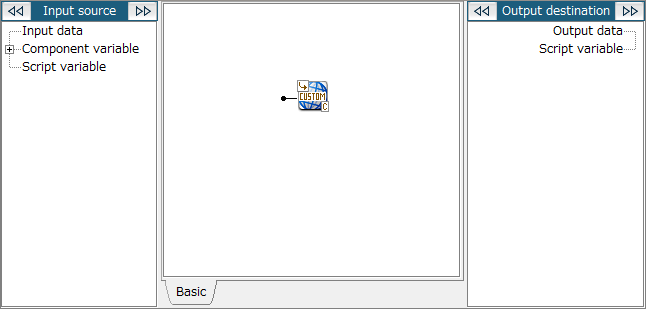
You can also open it by double-clicking the local custom logic icon on the mapping canvas.
| Item name | Description | Remarks |
|---|---|---|
| Create new handler | Add an input handler. |
| Item name | Description | Remarks |
|---|---|---|
| Handler name | Enter the input handler name. | |
| Comment | Enter a comment. |
Increase/Decrease of input handlers will be reflected also in local custom logic icons placed on the mapping canvas. When an input handler is removed, the link attached will also be removed at the same time.
The output handler is handled same as normal logics, so the output will be of one type. Therefore it cannot be edited.
The handler name and comment can be edited from [Edit] in the right-click menu of the created input handler.
The handler can be deleted from [Delete] in the right-click menu of the created input handler.
All input/output types are string type.
When deleting a local custom logic, placed local custom logics referring to the logic may not be removed immediately. In that case, re-open the project.
When the same local custom logic is mapped to an input handler of the local custom logic placed on the mapping canvas, you might get an unexpected processing result if an unmapped input handler exists.